You paste a link in Slack or WhatsApp, and... generic gray box. Or worse, a blurry logo.
This is a missed marketing opportunity.
The "social card" (or link preview) is the first impression your content makes on social media. A
well-designed card can increase click-through rates by up to 40%. This guide explains
the hidden metadata tags that control how your site looks when shared.
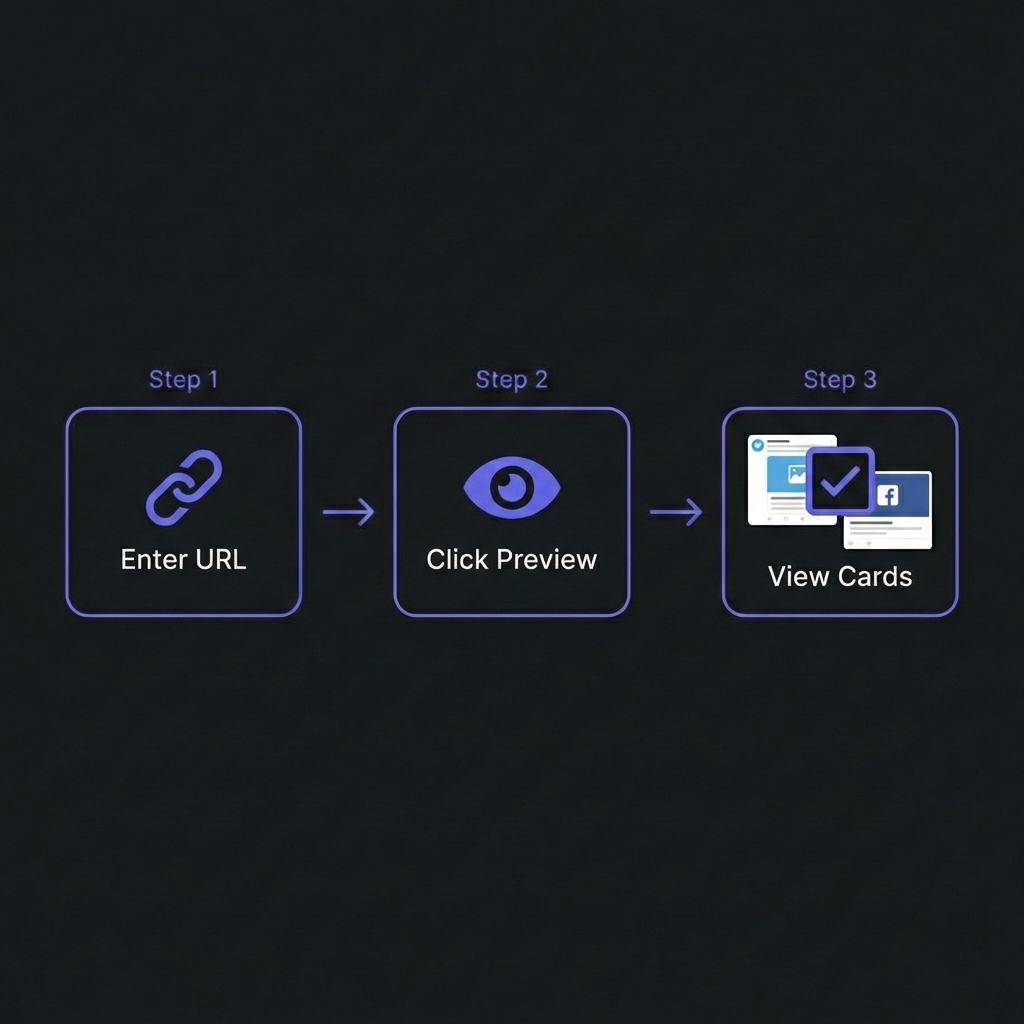
How to Preview Social Cards - Simple 3-step workflow
The Open Graph Protocol
Created by Facebook in 2010, the Open Graph (OG) protocol is now the industry standard for metadata, used
by LinkedIn, Discord, Slack, and WhatsApp.
Essential Meta Tags
<!-- The Title: 60-90 chars max -->
<meta property="og:title" content="My Amazing Article" />

<!-- The Description: 2-3 sentences. No keywords. -->
<meta property="og:description" content="Click here to learn about..." />

<!-- The Image: The most important part -->
<meta property="og:image" content="https://example.com/banner.png" />

<!-- The URL: Canonical link -->
<meta property="og:url" content="https://example.com/article" />
Absolute Paths Only!
Always use the full URL for your image (e.g., https://mysite.com/img/banner.jpg). If
you use a relative path like /img/banner.jpg, the crawlers won't be able to find
the file, and your preview will break.
Twitter Cards
Twitter (X) supports Open Graph but has its own specialized tags for different layouts. You fall back to
OG tags if these aren't present, but it's best to be explicit.
Twitter Specifics
<!-- Large Image Summary Card (Best for blogs) -->
<meta name="twitter:card" content="summary_large_image" />

<!-- Attribution -->
<meta name="twitter:creator" content="@uditsharma" />
The Perfect Social Image
Designers often struggle with dimensions because every platform is slightly different. However, there is
one "Magic Size" that works everywhere.
The Magic Size: 1200 x 630 px
This 1.91:1 aspect ratio fits Facebook, LinkedIn, Twitter, and Slack perfectly.
Safe Zone: Keep text in the center. Instagram Stories or cropped views might cut
off the edges.
File Size: Keep it under 5MB (LinkedIn has a strict limit). Aim for <1MB.
Format: PNG is best for text clarity. JPEG for photos.
Preview Your Cards
Paste a URL to see exactly how it will look on Facebook, Twitter, LinkedIn, and Discord. We fetch the
live tags and render a pixel-perfect preview.
Twitter Card Validator: Verifies the summary_large_image rendering.
LinkedIn Post Inspector: Shows exactly what data LinkedIn is pulling.
Frequently Asked Questions
Why isn't my image showing up?
+
Common reasons: (1) Relative URL instead of Absolute URL. (2) Image is too large (>5MB). (3) The
crawler is blocked by your robots.txt. (4) The server is creating the image dynamically and is
too slow (timeout).
Can I have different images for Twitter and Facebook?
+
Yes. Use og:image for Facebook/LinkedIn and
twitter:image for Twitter. This is useful if you want to target different audiences
or if Twitter's cropping is cutting off your text.
What is "Unfurling"?
+
"Unfurling" is the technical term for when a chat app (like Slack) expands a link into a preview
card. It attempts to fetch the title, description, and image to give context before the user
clicks.
How do I handle dynamic social images?
+
You can use services like Vercel OG or Cloudinary to generate images on the fly based on the
article title. Example: mysite.com/og?title=Hello%20World. This is cleaner than
manually creating Photoshop files for every blog post.
Does WhatsApp use Open Graph?
+
Yes. WhatsApp uses standard OG tags. However, it is very aggressive about
caching and often requires the image to be square (< 300kb) to display reliably
in the chat list.
What happens if I have no tags?
+
The platform will try to guess. It will grab the first <p> tag for the
description and the first random image it finds (often your logo or a random icon). The result
typically looks unprofessional and broken.