Quick Response (QR) codes have transformed from an automotive tracking tool
into the universal "hyperlink of the physical world." From restaurant menus to cryptocurrency payments,
these 2D matrix barcodes are ubiquitous in 2026.
But there is a deep technical layer beneath the black-and-white pixels. How do they work even when
damaged? How can they trigger a Wi-Fi connection without typing a password? This guide explores the
engineering, data capacity constraints, and best practices for generating robust QR codes that scan
instantly, every time.
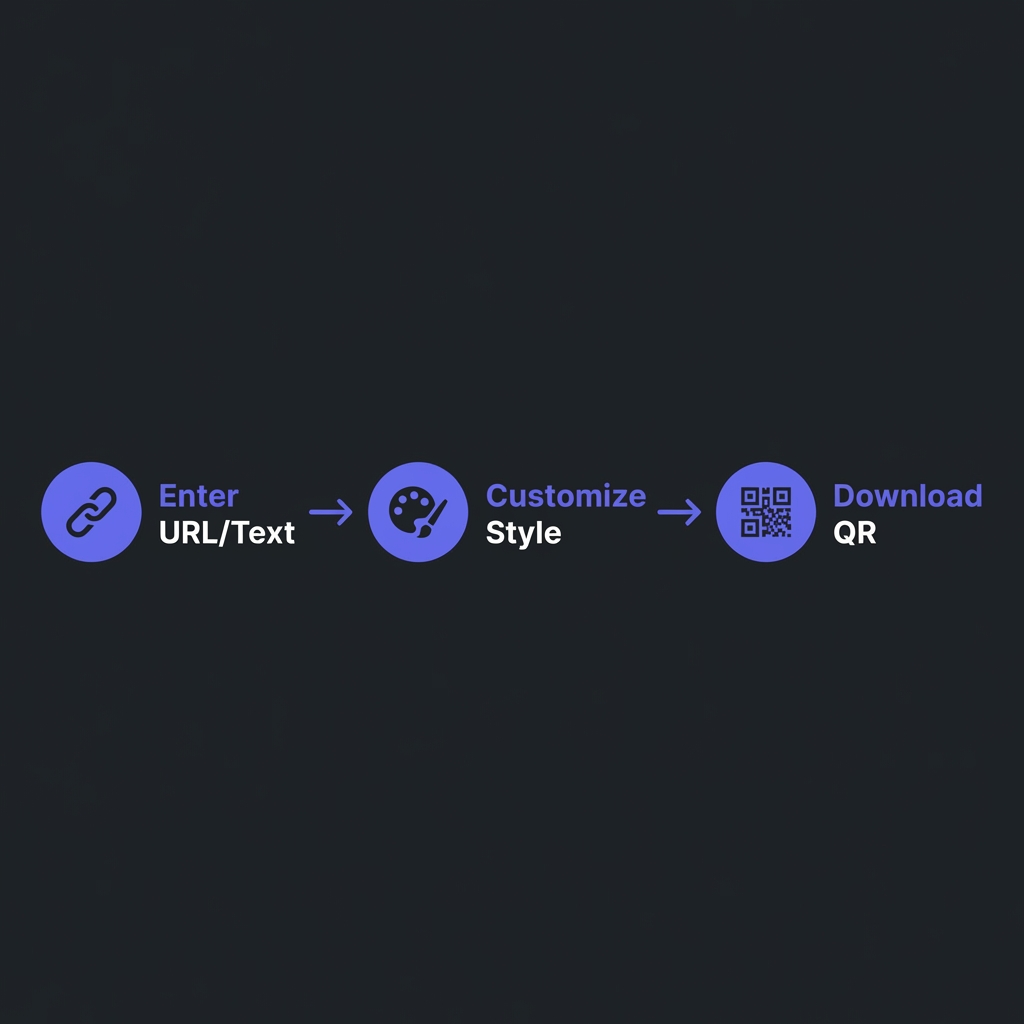
How to Generate QR Code - Simple 3-step workflow
Anatomy of a QR Code
A QR code isn't just random static. It has a strict architectural structure that scanners rely on to
orient, align, and decode the data.
Key Structural Elements
Finder Patterns: The three large squares in the corners. They tell the scanner
"This is a QR code" and define its orientation.
Alignment Patterns: Smaller squares inside the code that help scanners correct for
distortion (e.g., scanning a curved bottle).
Timing Patterns: Alternating black/white dotted lines connecting the finder
patterns, defining the grid size.
Quiet Zone: The mandatory white border around the code. Without it, scanners can't
detect the edges.
Fun Fact
QR codes were invented in 1994 by Denso Wave to track vehicle parts on assembly lines. They
released the patent for free, sparking global adoption.
Error Correction Magic
The true genius of QR codes is Reed-Solomon Error Correction. This allows a QR code to
be scanned even if part of it is ripped, covered, or drawn over. This is how brands can put logos in the
center of their QR codes.
The 4 Correction Levels
Level L (Low): Restores ~7% of data. (Cleanest look, lowest density).
Level M (Medium): Restores ~15% of data. (Standard for most uses).
Level Q (Quartile): Restores ~25% of data.
Level H (High): Restores ~30% of data. (Required if adding a custom logo).
Trade-off Explaination
Higher Error Correction = More Redundant Data = Denser QR Code
Lower Error Correction = Less Redundant Data = Cleaner/Simpler QR Code
// If you are putting a logo in the middle:// Use Level H. The "logo" is technically "damage" to the scanner,// and the error correction reconstructs the missing data.
Data Formats: More Than Just URLs
While URSs are common, QR codes can encode structured data to trigger specific phone actions natively.
1. Wi-Fi Configuration
Scan to join network automatically (no typing passwords!).
This is a critical distinction for marketing campaigns.
Static QR Codes
The data is hard-coded directly into the pattern.
Pros: Permanent, works offline, free, no expiration.
Cons: Cannot change destination URL after printing.
Dynamic QR Codes
The QR code contains a short URL (e.g., bit.ly/xyz) that redirects to the final destination.
Pros: Edit destination anytime, track scan analytics (location, device, time).
Cons: Depends on redirect service (if they go down/paywall, code dies).
Scanning Reliability Best Practices
Contrast is King: Always use a dark foreground on a light background. Inverting
colors (white QR on black background) often fails on older scanners.
Quiet Zone: Maintain a whitespace border of at least 4 modules (dots) width around
the code.
Size Matters: Minimum recommended size is 2cm x 2cm (0.8in). Any smaller and phone
cameras struggle to focus.
Avoid Over-density: Shorten URLs before encoding. A 20-character URL creates a much
simpler, easier-to-scan code than a 200-character URL.
Frequently Asked Questions
Can QR codes expire?
+
Static QR codes never expire�the data is physically there. Dynamic QR
codes can expire if the service hosting the redirect link shuts down, changes their
pricing, or deletes your account. Always use static codes for critical long-term use cases (like
product packaging).
How much data can a QR code hold?
+
It depends on the version (size) and error correction level. The maximum capacity (Version 40,
Level L) is roughly 3KB (approx 7,000 numeric characters or 4,200 alphanumeric
characters). However, practically, you should keep data under 300 characters for reliable
scanning.
Can I put a logo in my QR code?
+
Yes, by using "Error Correction Level H". This redundancy allows up to 30% of
the code to be unreadable (covered by a logo) while typically still scanning successfully. Keep
the logo size under 20% of the total area to be safe, and ensure it doesn't cover the corner
finder patterns.
Are QR codes secure?
+
The code itself is neutral, but the content can be malicious. "Quishing" (QR
Phishing) involves stickers placed over legitimate QRs (e.g., on parking meters) leading to fake
payment sites. Users cannot read the URL before scanning. Modern scanner apps try to preview the
URL for safety, but diligence is required.
Why won't my QR code scan?
+
Common culprits: (1) Low contrast (e.g., light gray on white). (2)
Inverted colors (white code on dark background). (3) Too dense
(too much data, making dots tiny). (4) Shiny material (reflections blind the
camera). (5) Missing quiet zone (border).
What is a Micro QR Code?
+
A smaller variant of standard QR with only one finder pattern. It's designed for tiny
applications (like circuit boards) where space is premium. It holds much less data (max ~35
characters) and isn't supported by all consumer barcode scanner apps.