JSON to YAML Converter: The Complete Guide to Config File Formats (2026)

Table of Contents
JSON (JavaScript Object Notation) and YAML (YAML Ain't Markup Language) are the two most popular data serialization formats in modern software development. While they can represent the same data, each has distinct advantages that make it preferred in different contexts.
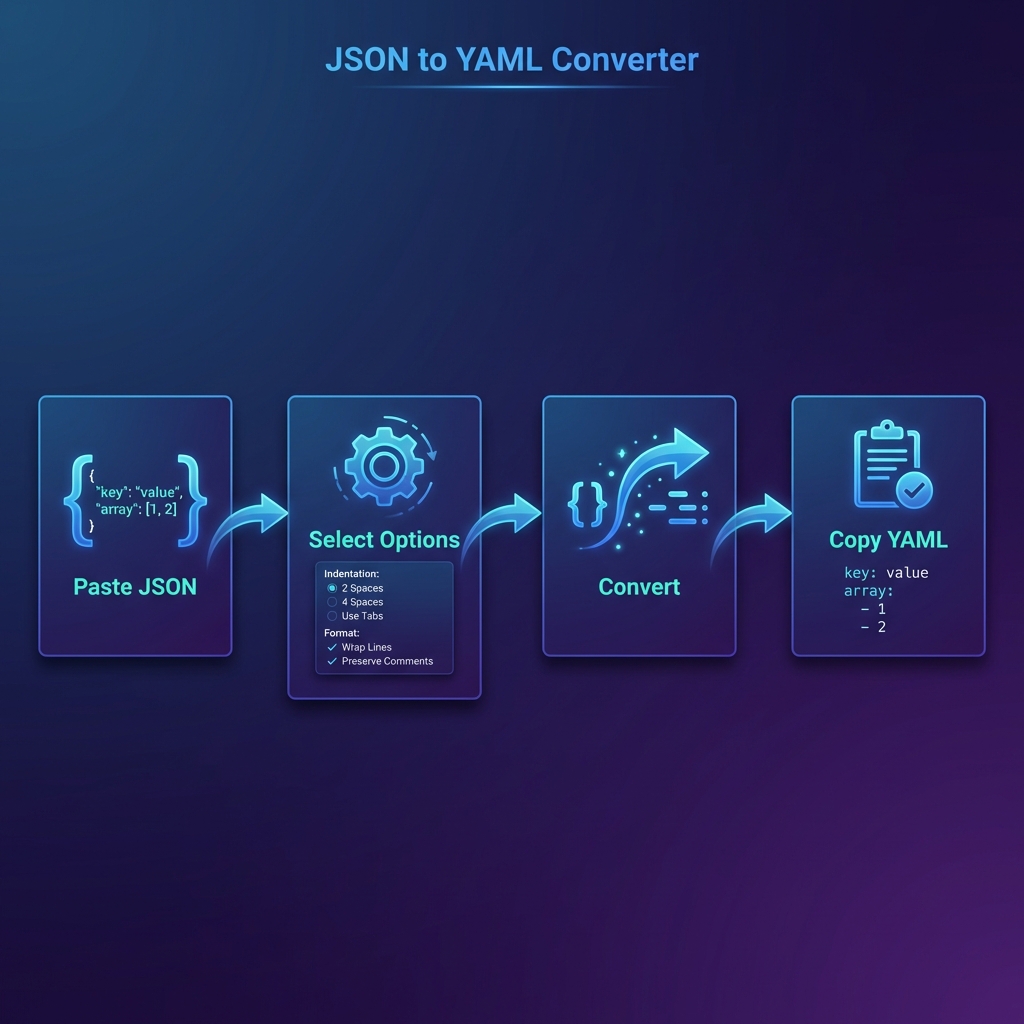
Our free JSON to YAML converter lets you instantly transform between these formats. Whether you're working with Kubernetes manifests, Docker Compose files, or API configurations, bidirectional conversion is just a click away.
Why Convert Between Formats?
Different tools and ecosystems prefer different formats:
- REST APIs — Almost universally use JSON for requests and responses
- Kubernetes — Prefers YAML for manifests (though JSON is valid)
- Docker Compose — YAML-only for docker-compose.yml files
- CI/CD Pipelines — GitHub Actions, GitLab CI use YAML
- npm/package.json — JSON for Node.js package configuration
JSON vs YAML: Detailed Comparison
| Feature | JSON | YAML |
|---|---|---|
| Readability | Good | Excellent |
| Comments | ❌ Not supported | ✅ Full support (#) |
| File Size | Larger (quotes, braces) | Smaller (indentation) |
| Parsing Speed | Faster | Slower |
| Typing | Strict | Automatic inference |
| Multi-line Strings | Escape characters | Native support (| and >) |
YAML is a Superset of JSON
A fascinating fact: every valid JSON document is also valid YAML. This is because YAML 1.2 was specifically designed to be compatible with JSON.
What This Means in Practice
You can paste JSON directly into any YAML parser and it will work. However, the reverse isn't true—YAML features like comments and multi-line strings aren't valid JSON.
Common Use Cases
1. Kubernetes Configuration
Kubernetes accepts both formats, but YAML is standard in the community due to readability and comment support.
apiVersion: v1
kind: Pod
metadata:
  name: my-app
  labels:
    app: web
spec:
  containers:
    - name: nginx
      image: nginx:latest
      ports:
        - containerPort: 80
2. Docker Compose
Docker Compose exclusively uses YAML format for its configuration files.
version: '3.8'
services:
  web:
    build: .
    ports:
      - "3000:3000"
    environment:
      NODE_ENV: production
  db:
    image: postgres:14
    volumes:
      - db-data:/var/lib/postgresql/data
3. GitHub Actions
CI/CD workflows in GitHub use YAML for defining automated pipelines.
Convert JSON ↔ YAML Instantly
Bidirectional conversion with real-time validation. Works offline.
Open Converter →Syntax Comparison
Let's see the same data represented in both formats:
{
  "name": "Code Formatter",
  "version": "2.0.0",
  "features": [
    "JSON Formatter",
    "YAML Converter",
    "Code Minifier"
  ],
  "settings": {
    "theme": "dark",
    "autoSave": true,
    "indentSize": 2
  }
}# Application configuration
name: Code Formatter
version: "2.0.0"
features:
- JSON Formatter
- YAML Converter
- Code Minifier
settings:
Yes! Since YAML 1.2, every valid JSON document is also valid YAML. This
means you can paste JSON directly into any YAML parser. However, YAML-specific features like
comments aren't valid JSON.
Which format is faster to parse?
JSON is faster. Because JSON has a simpler syntax with explicit delimiters,
parsers can process it more quickly. YAML's whitespace-sensitivity and type inference
require more processing.
Can I add comments after converting to JSON?
No. JSON doesn't support comments. Some tools accept JSONC (JSON with
Comments), but standard JSON parsers will reject them. If you need comments, keep your
source file in YAML.
Why does Kubernetes prefer YAML?
Kubernetes accepts both JSON and YAML, but the community prefers YAML because:
1) Comments help document complex configurations, 2)
Better readability for manifests, 3) Easier to manage multiple resources
with --- document separators.
What are YAML anchors?
Anchors (&) and aliases (*) let you reuse content in YAML.
Define an anchor like &defaults and reference it with
*defaults. This reduces duplication in configs with repeated values.
Is my data secure during conversion?
100% secure. Our converter runs entirely in your browser using JavaScript.
Your data never leaves your device or touches our servers. Verify this in your browser's
Network tab.
How do I handle multi-line strings?
YAML excels here with literal blocks (|) and folded blocks (>).
In JSON, you must escape newlines with \n. When converting YAML multi-line
strings to JSON, they become escaped strings.
Code Formatter © 2026. Professional developer tools built with privacy and performance in mind.