In the JavaScript ecosystem, code formatting is not optional�it's a
fundamental requirement for maintainable, collaborative codebases. With JavaScript powering everything
from simple websites to complex enterprise applications, poorly formatted code creates technical debt
that compounds exponentially over time.
According to the 2025 State of JavaScript survey, over 92% of professional developers
use automated formatters like Prettier or ESLint, yet formatting remains one of the most contentious
topics in code reviews. This guide, based on 15+ years of JavaScript development across
startups and Fortune 500 companies, eliminates the guesswork and provides battle-tested formatting
strategies.
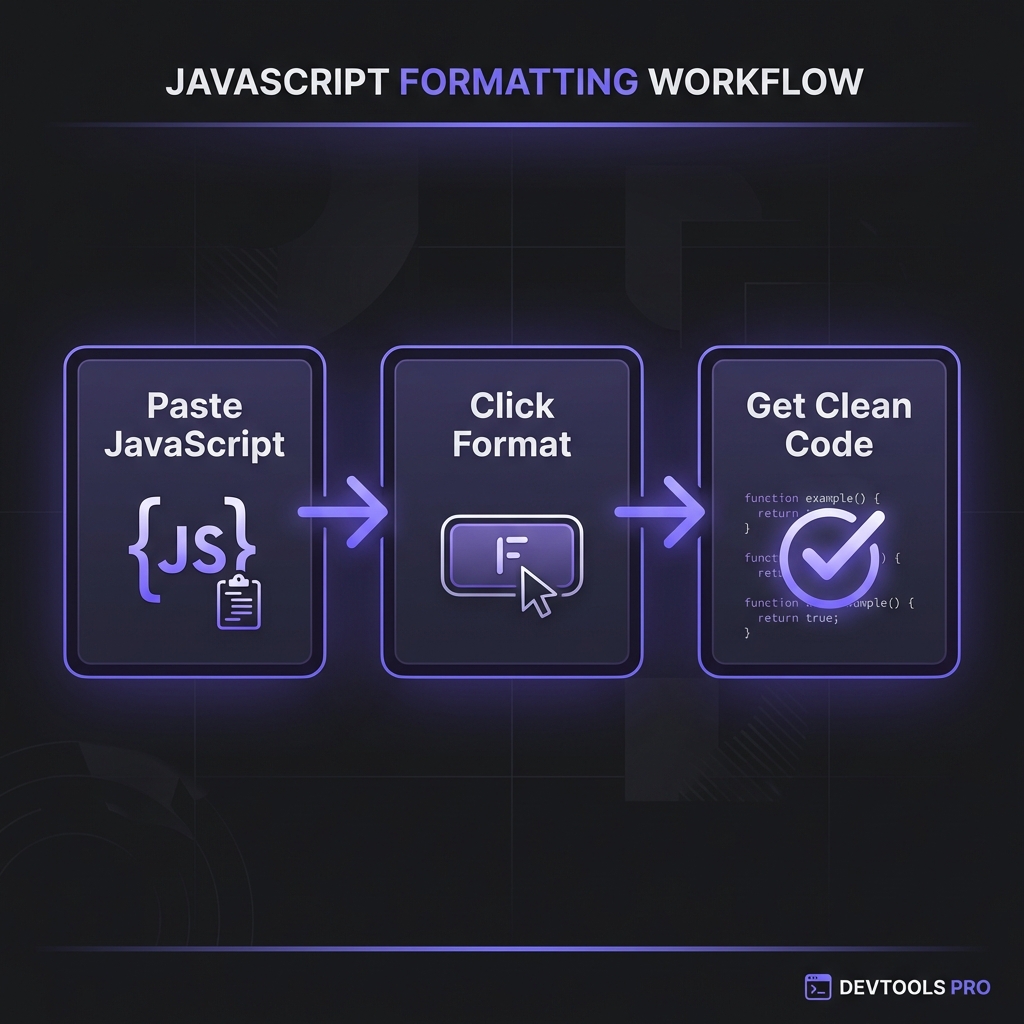
How to Format JavaScript - Simple 3-step workflow
What is JavaScript Formatting?
JavaScript formatting (beautification) transforms code into a consistent, readable
structure by standardizing indentation, spacing, line breaks, quote styles, semicolon usage, and bracket
placement. Unlike linting (which finds bugs), formatting focuses solely on code appearance.
Formatted vs Unformatted JavaScript
// ? UNFORMATTED - Inconsistent and hard to scanfunctioncalculateTotal(items){return items.reduce((sum,item)=>sum+item.price*item.quantity,0)}
// ? FORMATTED - Clean and scannablefunctioncalculateTotal(items) {
return items.reduce(
(sum, item) => sum + item.price * item.quantity,
0
);
}
The formatted version reveals function signature, callback structure, and calculation logic at a
glance�critical when debugging complex data transformations.
Professional Benefits of JavaScript Formatting
1. Eliminates Style Debates
Teams waste countless hours debating tabs vs spaces, semicolons vs ASI, single vs double quotes.
Automated formatting with agreed-upon configs (enforced via CI/CD) eliminates these discussions
permanently, allowing teams to focus on business logic.
2. Faster Code Reviews
Code reviews on formatted code are 40-60% faster. Reviewers can focus on logic,
architecture, and potential bugs rather than nitpicking style inconsistencies. GitHub's internal study
found that formatting automation reduced review iteration cycles from 3.2 to 1.8 on average.
3. Improved Onboarding
New team members inherit consistent code style instantly through shared formatter configs. They can
contribute meaningful code on day one without learning arbitrary team conventions�the formatter enforces
standards automatically.
4. Better Diff Quality
Consistent formatting produces clean git diffs. Without formatting, a single whitespace change can make
entire functions appear modified, obscuring actual logic changes in version control and making
cherry-picking or reverting commits treacherous.
5. Enhanced Debugging
When debugging minified production code in browser DevTools, the "pretty print" function relies on
formatting heuristics. Pre-formatted source code ensures accurate stack traces and makes stepping
through code more intuitive.
Industry Standard: Prettier Configuration
The Prettier defaults (2-space indent, single quotes, no semicolons, trailing commas) have become
the de facto standard, used by React, Vue.js, Angular, and thousands of open-source projects.
Consistency across the ecosystem matters more than specific style choices.
Prettier vs ESLint: Understanding the Difference
Many developers confuse formatting and linting. Here's the critical distinction:
Prettier: Code Formatting
Prettier is an opinionated formatter that rewrites code for consistency. It handles
indentation, spacing, quotes, semicolons, and line length. Prettier has minimal configuration�its
philosophy is "use the defaults" to avoid bikeshedding.
ESLint: Code Quality Linting
ESLint finds bugs, enforces best practices, and catches potential errors. It detects
unused variables, missing dependencies in React hooks, accessibility violations, and hundreds of other
code quality issues. ESLint can also enforce some style rules (deprecated).
The Professional Workflow
Modern teams use both tools together with clear separation:
Prettier: Handles ALL formatting (automatic, no configuration needed)
ESLint: Handles quality/correctness rules ONLY (with
eslint-config-prettier to disable style rules)
Result: Format on save ? catch bugs during development ? enforce both in CI/CD
Complex destructuring patterns need smart line breaks to maintain readability without manual
intervention.
Optional Chaining and Nullish Coalescing
Modern formatters preserve the intent of ?. and ?? operators while maintaining
logical grouping through parentheses and spacing.
Framework-Specific JavaScript Formatting
React/JSX Formatting
JSX introduces HTML-like syntax into JavaScript. Professional formatters handle JSX attributes, children,
fragments, and component composition with framework-aware rules that preserve readability.
Vue.js Template Formatting
Vue single-file components mix HTML templates, JavaScript logic, and CSS. Use Vue-specific Prettier
plugins that understand <template>, <script>, and
<style> sections.
Angular and TypeScript
TypeScript introduces type annotations, generics, decorators, and interfaces. Formatters must handle type
syntax without breaking inference or creating overly verbose code.
Does Formatting Affect Performance?
Common question: does formatted JavaScript run slower than minified code?
Development: No Performance Impact
During development, formatted code and minified code execute identically�JavaScript engines parse both in
milliseconds. The browser doesn't care about whitespace or formatting.
Production: Always Minify
For production deployment, always minify JavaScript using tools like Terser or esbuild.
Minification removes formatting plus performs dead code elimination, producing 40-70% smaller bundles.
Modern build tools (Vite, webpack, Next.js) minify automatically.
The Professional Workflow
Source Code: Fully formatted for developers (committed to git)
Development Build: Formatted with source maps for debugging
Production Build: Minified + tree-shaken + gzipped (served to users)
Manual formatting is error-prone and time-consuming. Professional teams automate completely:
Editor Integration (Format on Save)
Configure VS Code, WebStorm, or Sublime Text to auto-format on every save. This creates a tight feedback
loop�write code, save, instantly formatted. No manual effort required.
Pre-commit Hooks (Husky + lint-staged)
Prevent unformatted code from ever reaching version control. Husky runs Prettier on staged files before
each commit, ensuring 100% consistency across the team.
CI/CD Enforcement
Add a CI check that fails builds if code isn't formatted. This catches edge cases where developers bypass
pre-commit hooks and ensures main branch always has pristine formatting.
This is the most debated JavaScript style question. Both are valid�what matters
is consistency. Teams using semicolons have explicit statement termination
(Airbnb, Google style guides). Teams using ASI (no semicolons) write cleaner
code (Vue.js, Svelte, many modern projects). Prettier defaults to no semicolons. Pick one,
configure Prettier/ESLint, and never debate again. The automation handles edge cases
automatically.
Can formatters break my JavaScript code?
+
Quality formatters never break code semantics. Prettier is battle-tested on
millions of codebases and undergoes rigorous testing to ensure it only changes whitespace,
quotes, and semicolons�never logic. However, edge cases exist: comments in
unusual positions might move, and ASI edge cases (rare) could theoretically break. Always test
after initial setup, but in practice, Prettier/ESLint are extremely safe.
How do I format JavaScript in HTML script tags?
+
Prettier handles JavaScript inside <script> tags automatically in
.html files. Configure with "parser": "html". For Vue.js single-file
components, use @vue/prettier plugin. For React JSX, Prettier handles it natively.
The key: ensure your editor and Prettier config recognize the file type so the correct parser
runs. Most modern setups work out-of-the-box.
What's better: tabs or spaces for JavaScript?
+
Spaces (specifically 2 spaces) dominate JavaScript ecosystems overwhelmingly.
The Prettier default is 2 spaces. Airbnb, Google, StandardJS all use spaces. Tabs are rare in
web development. Why? (1) Consistency across editors/platforms. (2) Most JS projects use 2-space
indent which looks odd with tabs. (3) Spaces produce predictable diffs. Most important:
be consistent within your project and let Prettier enforce automatically.
How do I format minified JavaScript from production?
+
When debugging production issues, you often encounter minified JS. Browser DevTools have
built-in "Pretty Print" (usually a {} button). For offline formatting,
paste minified code into our JS formatter or Prettier�it intelligently adds line breaks and
indentation, making it debuggable. However, variable names will still be minified (a?b). Use
source maps in production to map minified code back to original source for true debugging.
Should I format auto-generated JavaScript?
+
It depends on source control. Code generated by tools (Swagger/OpenAPI clients,
GraphQL codegen, etc.) that's committed to git should be formatted for better
diffs and code review. Code generated on-the-fly during builds (not committed) doesn't need
formatting�it's ephemeral. Use .prettierignore to exclude generated files if
needed. However, formatting generated code rarely hurts and often helps when debugging build
issues.
Can I gradually adopt formatting in a large legacy codebase?
+
Yes, use incremental adoption strategies. (1) Format files as you touch them
(add Prettier to pre-commit hook for modified files only). (2) Format directory-by-directory
with dedicated PRs. (3) Use --write on entire codebase in one "big bang" PR (review
git diff carefully, merge during low-activity period). GitHub's internal migration formatted
300K+ files in one weekend. Combine with .git-blame-ignore-revs so blame skips
formatting commits. Modern workflows make wholesale formatting viable.