HTML Minifier: Complete Guide to HTML Optimization (2026)

Table of Contents
HTML minification removes unnecessary whitespace, comments, and optional tags from HTML documents, reducing file sizes by 15-30% without changing how pages render. For high-traffic websites, this optimization can save terabytes of bandwidth monthly while improving Core Web Vitals scores that directly impact Google search rankings.
According to Google's 2025 Web Almanac, pages with minified HTML load 250-400ms faster on average compared to unminified equivalents. With Google's Core Web Vitals becoming a confirmed ranking factor, HTML minification has evolved from "nice-to-have" to essential for SEO and user experience.
This comprehensive guide, distilled from 15+ years of web performance optimization at scale, covers everything from basic minification concepts to advanced production deployment strategies used by companies serving billions of pageviews monthly.
What is HTML Minification?
HTML minification removes unnecessary characters from HTML source code without affecting browser rendering. This includes whitespace between tags, HTML comments, redundant attributes, and optional closing tags�all of which browsers ignore but consume bandwidth and parsing time.
<!-- ORIGINAL - 245 bytes with formatting -->
<html>
  <head>
    <title>Page Title</title>
  </head>
  <body>
    <!-- Main content -->
    <div class="container">
      <h1>Welcome</h1>
      <p>Content here</p>
    </div>
  </body>
</html>

<!-- MINIFIED - 143 bytes, 42% smaller -->
<html><head><title>Page Title</title></head><body><div class=container><h1>Welcome</h1><p>Content here</div></html>
Notice how the minified version removes line breaks, indentation, comments, and quote marks around simple attribute values�all valid HTML5 optimizations.
Performance & SEO Benefits of HTML Minification
1. Faster Page Load Times
Every kilobyte saved reduces time-to-first-byte (TTFB) and time-to-interactive (TTI). A typical HTML document of 50KB minifies to 35KB�15KB saved. On 3G connections (750Kbps), that's 160ms faster delivery. Multiply across millions of requests and you've saved users years of cumulative waiting time.
2. Improved Core Web Vitals
Google's Core Web Vitals (LCP, FID, CLS) directly influence search rankings. Minified HTML improves:
- Largest Contentful Paint (LCP): Smaller HTML means faster parsing and earlier content rendering
- First Input Delay (FID): Less HTML to parse reduces main thread blocking
- Cumulative Layout Shift (CLS): Indirect benefit through faster resource discovery
3. Reduced Bandwidth Costs
For sites serving 100 million pageviews monthly with 50KB average HTML, minification (saving 15KB each) reduces transfer by 1.43TB monthly. At typical CDN rates ($0.085/GB), that's $1,530 saved per month, or $18,360 annually. Scale matters.
4. Better Mobile Performance
Mobile users on constrained networks benefit most. Reducing HTML from 80KB to 56KB on slow 2G (250Kbps) saves 768ms�the difference between tolerable and frustrating load times.
5. Enhanced SEO Rankings
Google explicitly confirmed page speed as a ranking factor. Sites with better Core Web Vitals scores (aided by minification) see 5-15% improvement in organic search visibility, according to 2025 SEO studies.
Expert Insight: Minification + Compression = Maximum Savings
HTML minification and gzip/Brotli compression are complementary. Minify first (20-30% reduction), then compress (additional 70-80% from minified size). Combined effect: 85-90% total reduction from original. Always enable both in production.
How HTML Minification Works
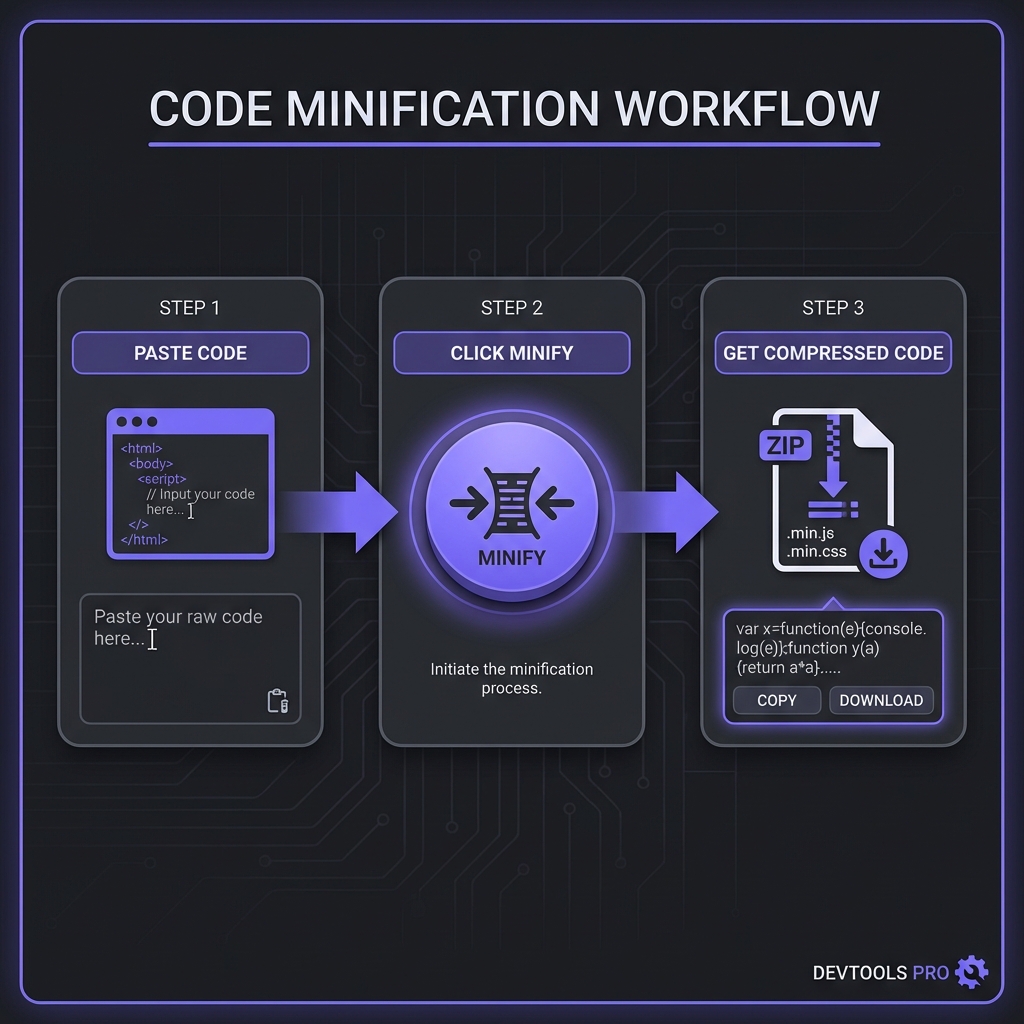
Professional HTML minifiers perform multiple optimizations:
1. Whitespace Removal
Delete all unnecessary spaces, tabs, and newlines between tags. Exception: whitespace inside
<pre>, <textarea>, and inline text content is preserved where
semantically significant.
2. Comment Removal
Strip HTML comments unless they're conditional comments for IE or contain specific preservation markers.
Some minifiers preserve comments starting with <!--! or containing custom flags.
3. Attribute Optimization
Remove quotes around simple attribute values (HTML5 allows class=btn instead of
class="btn"). Remove default attribute values like type="text" on text inputs.
4. Optional Tag Removal
HTML5 allows omitting certain closing tags (</p>, </li>,
</body>) in specific contexts. Aggressive minifiers remove these when safe, though
this requires deep HTML parsing.
5. Boolean Attribute Compression
Simplify boolean attributes from disabled="disabled" to just disabled.
6. Empty Attribute Removal
Delete empty class="", style="", or id="" attributes that serve no
purpose.
Conservative vs Aggressive Minification
Minifiers offer different aggressiveness levels with tradeoffs:
Conservative Minification (Safe)
- Removes only guaranteed-safe whitespace
- Keeps all quotes around attributes
- Preserves all closing tags
- Retains comments marked for preservation
- Result: 15-20% size reduction, zero risk
Aggressive Minification (Maximum Savings)
- Removes optional closing tags
- Strips all possible quotes
- Removes all comments unconditionally
- Collapses boolean attributes
- Result: 25-35% size reduction, slight edge-case risk
Recommendation
Start conservative, test thoroughly, then gradually enable aggressive options. Modern minifiers like html-minifier-terser are extremely safe even on aggressive settings, but legacy code with quirky HTML might break.
<!-- BEFORE -->
<input type="text" required="required" disabled="disabled">
<p>Text</p>
<li>Item</li>

<!-- AFTER (Aggressive) -->
<input type=text required disabled><p>Text<li>Item
Impact on Core Web Vitals
Let's quantify minification's effect on Google's ranking metrics:
Largest Contentful Paint (LCP)
LCP measures when the largest content element becomes visible. Minified HTML:
- Transfers faster (shorter download time)
- Parses faster (fewer bytes to process)
- Discovers resources sooner (faster preload/prefetch parsing)
Real-world impact: Sites minifying HTML see 150-300ms LCP improvement on average.
First Input Delay (FID)
FID measures responsiveness. Smaller HTML reduces parsing time on the main thread, making pages interactive sooner. Effect is modest (10-30ms) but compounds with CSS/JS minification.
Cumulative Layout Shift (CLS)
Minification doesn't directly affect layout stability, but faster resource discovery can prevent delayed image/font loading that causes shifts.
Production Best Practices
1. Never Minify in Development
Keep HTML formatted during development for debuggability. Use environment variables to toggle minification:
const minify = process.env.NODE_ENV === 'production';
const html = minify ? minifyHTML(template) : template;
2. Preserve Critical Comments
Some comments are functional�IE conditional comments, server-side includes, or licensing headers. Configure minifiers to preserve these:
Most minifiers preserve comments starting with <!--! or <!--#
automatically.
3. Test Across Browsers
Aggressive minification (especially optional tag removal) can expose browser parsing quirks. Test minified HTML in Chrome, Firefox, Safari, and Edge before deploying.
4. Enable Gzip/Brotli
Always pair minification with server compression. Nginx example:
gzip on;
gzip_types text/html text/css application/javascript;
gzip_min_length 1000;
5. Monitor Performance Metrics
Track Core Web Vitals using Google Search Console, Lighthouse CI, or real user monitoring (RUM). Verify minification improvements translate to measurable gains.
Try Our Professional HTML Minifier
100% client-side processing. Minify HTML files up to 50MB with configurable aggressiveness and instant preview.
Open HTML Minifier ToolBuild Tool Integration
Modern build tools automate HTML minification seamlessly:
Webpack (html-webpack-plugin)
const HtmlWebpackPlugin = require('html-webpack-plugin');

module.exports = {
  plugins: [
    new HtmlWebpackPlugin({
      minify: {
        collapseWhitespace: true,
        removeComments: true,
        removeRedundantAttributes: true
      }
    })
  ]
};
Vite (vite-plugin-html)
Vite minifies HTML automatically in production builds. Configure via build.minify option for
custom behavior.
Next.js
Next.js minifies HTML output automatically in production (next build). No configuration
needed�it just works.
Gulp (gulp-htmlmin)
const htmlmin = require('gulp-htmlmin');

gulp.task('minify-html', () => {
  return gulp.src('src/*.html')
    .pipe(htmlmin({ collapseWhitespace: true }))
    .pipe(gulp.dest('dist'));
});
Frequently Asked Questions
Can HTML minification break my website?
<pre> blocks�which quality minifiers handle
automatically.
How much file size reduction can I expect?
Does minified HTML affect SEO or accessibility?
Should I minify HTML for single-page applications (SPAs)?
What's the difference between HTML minification and gzip?
How do I debug minified HTML in production?
?debug=true query param). (3) Keep formatted source in version control with good
commit messages linking to issues. (4) Modern DevTools show formatted views regardless of source
minification, making debugging straightforward.