Base64 Encode/Decode: The Professional Developer's Guide (2026)

Table of Contents
Base64 encoding is the Swiss Army knife of data transmission. It bridges the gap between binary data (images, PDFs, crypto keys) and text-only protocols like JSON, XML, and HTML. Without it, modern web APIs and data embedding strategies simply wouldn't work.
However, Base64 is often misunderstood. It's not encryption (it provides zero security), and it's not compression (it actually increases file size by 33%). In this guide, we dive deep into the mechanics, use cases, and performance implications of Base64, drawing from 15 years of full-stack development experience.
How Base64 Actually Works
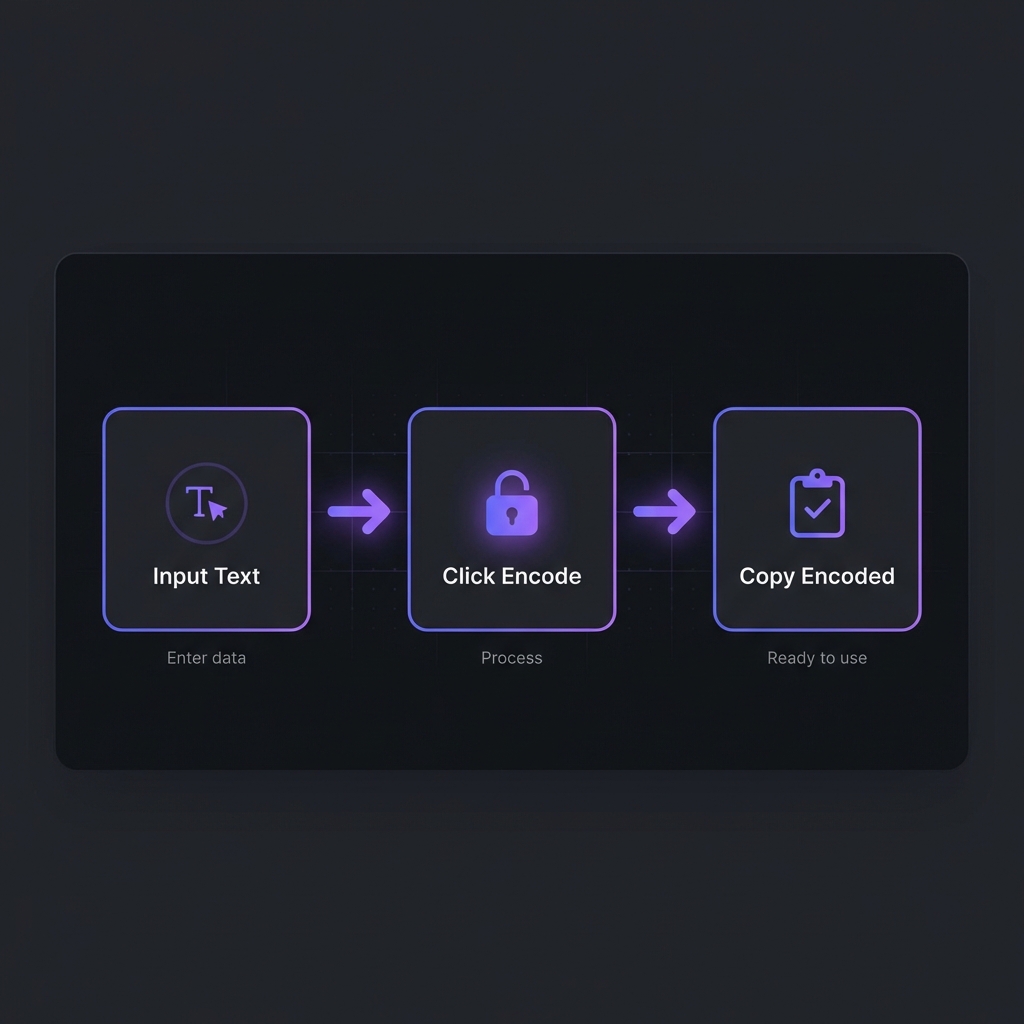
Computers store data as bytes (8 bits). Text protocols (like email or HTTP) sometimes choke on certain byte values (like null bytes or control characters). Base64 solves this by translating any binary data into a "safe" alphabet of 64 ASCII characters.
The Alphabet
- A-Z (26 chars)
- a-z (26 chars)
- 0-9 (10 chars)
- + and / (2 chars)
- = (Padding character)
// Input: "Man"
// ASCII Values: M=77, a=97, n=110
// Binary: 01001101 01100001 01101110 (24 bits total)

// Base64 splits 24 bits into four 6-bit chunks:
// 010011 | 010110 | 000101 | 101110
// Decimal: 19 | 22 | 5 | 46

// Consult Base64 Table:
// 19=T, 22=W, 5=F, 46=u

// Result: "TWFu"
When to Use It (And When Not To)
? Good Use Cases
- Embedding small icons (Data URIs): Reduces HTTP requests for tiny images (e.g., social icons, spinners).
- JSON APIs: Safely transmitting binary files (like user avatars) inside a JSON payload.
- Email Attachments: MIME standard uses Base64 to send files via email.
- Auth Headers: Basic Auth standard encodes
username:passwordin Base64 (but needs HTTPS!).
? Bad Use Cases
- Embedding large images: Bloats the HTML/CSS, blocks rendering, and prevents caching.
- "Hiding" secrets: Base64 is trivially reversible and offers NO security.
- storing files in databases: Usually better to store the file on S3/disk and save the path/URL in the DB.
Data URIs & Image Optimization
A Data URI allows you to embed a file directly into a document. The browser reads the string as if it were a file request.
/* Embedding a small PNG icon directly in CSS */
.icon-star {
  background-image: url('data:image/png;base64,iVBORw0KGgoAAAANSUhEUgAAAAEAAAABCAQAAAC1HAwCAAAAC0lEQVR42mNk+A8AAQUBAScY42YAAAAASUVORK5CYII=');
}
Performance Tip
Only use Data URIs for critical "above-the-fold" assets smaller than ~5KB to reduce initial connection overhead. For larger images, let the browser fetch them in parallel.
Handling Binary Data in APIs
Modern web development often requires sending images or files alongside JSON data. Since JSON doesn't support binary, Base64 is the standard bridge.
const fileInput = document.querySelector('#uplaod');

fileInput.addEventListener('change', (e) => {
  const file = e.target.files[0];
  const reader = new FileReader();

  reader.onloadend = () => {
    const base64String = reader.result;

    // Send to API
    fetch('/api/upload', {
      method: 'POST',
      body: JSON.stringify({ image: base64String })
    });
  };

  reader.readAsDataURL(file);
});
Encode/Decode Instantly
Need to debug a Base64 string or convert an image to a Data URI? Use our secure client-side tool.
Open Base64 ToolPerformance & Size Trade-offs
Base64 comes with a cost. Every 3 bytes of input become 4 characters of output. This results in a 33% increase in size.
| Original Size | Base64 Size | Impact |
|---|---|---|
| 1 KB | ~1.33 KB | Negligible |
| 100 KB | ~133 KB | Noticeable |
| 10 MB | ~13.3 MB | Significant (Slow!) |
Additionally, decoding large Base64 strings on the main thread can block the UI in JavaScript
applications. Always consider using Blob or FormData for large file uploads
instead.
Frequently Asked Questions
Is Base64 secure for passwords?
What are the weird characters (+, /, =) doing?
+ and / are the last two characters in the 64-character alphabet
(indices 62 and 63). The = sign is a padding character. Since
Base64 groups binary data into 3-byte blocks, if the input length isn't divisible by 3, one or
two = signs are added to the end to align the final block.
Why does my Base64 string break in URLs?
+ and /, which have special meanings in URLs
(paths and spaces). To fix this, use URL-safe Base64: replace +
with - (hyphen) and / with _ (underscore), and remove the
= padding. Most modern libraries have a "URL-safe" mode.
Can I Base64 encode an entire website?
How do I decode Base64 in JavaScript?
atob() (decode) and btoa()
(encode). Note: these only support standard ASCII characters. For Unicode/UTF-8 strings (like
emojis), you need a more robust solution involving
TextEncoder/TextDecoder or a utility library to avoid encoding errors.